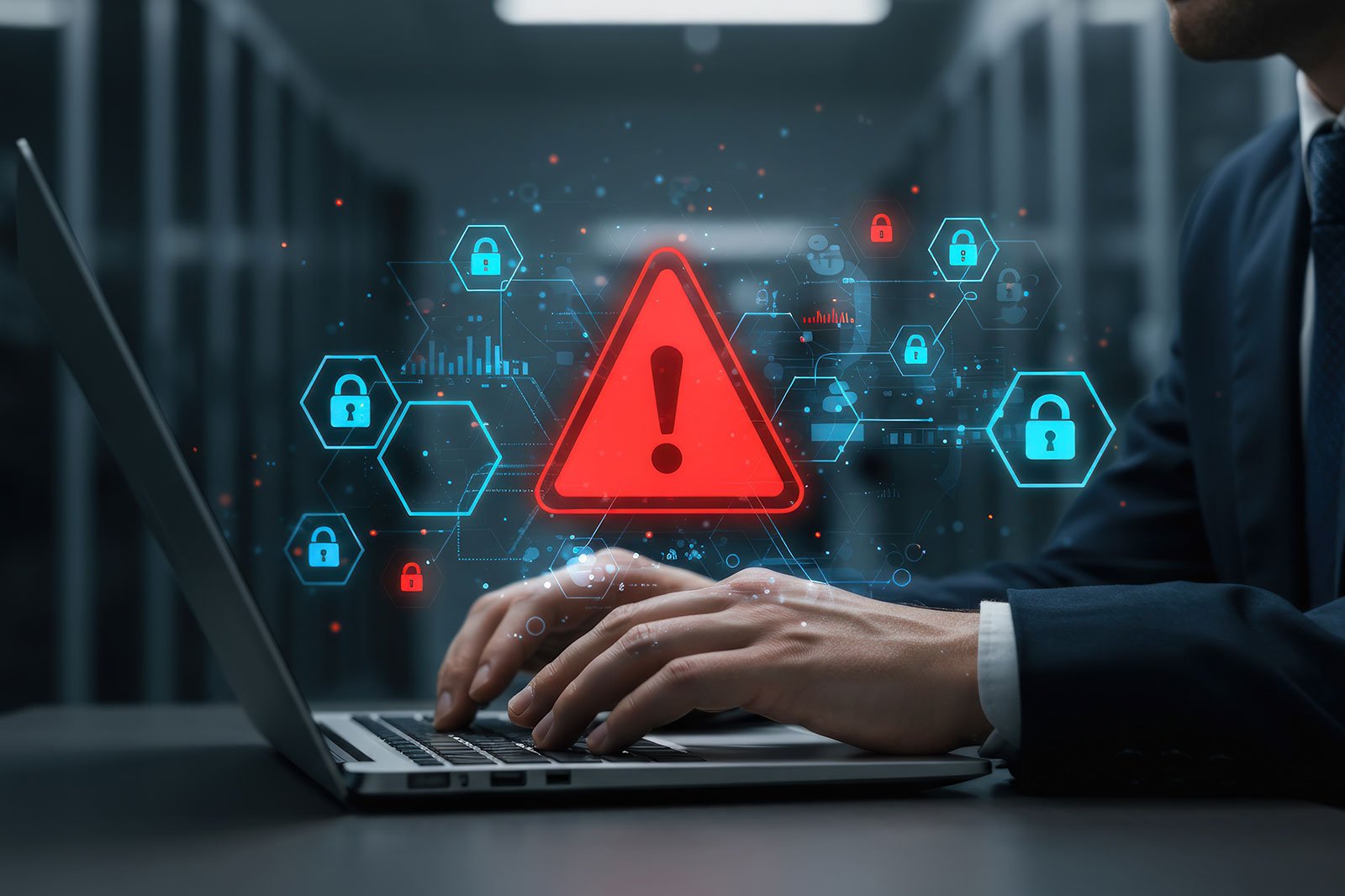

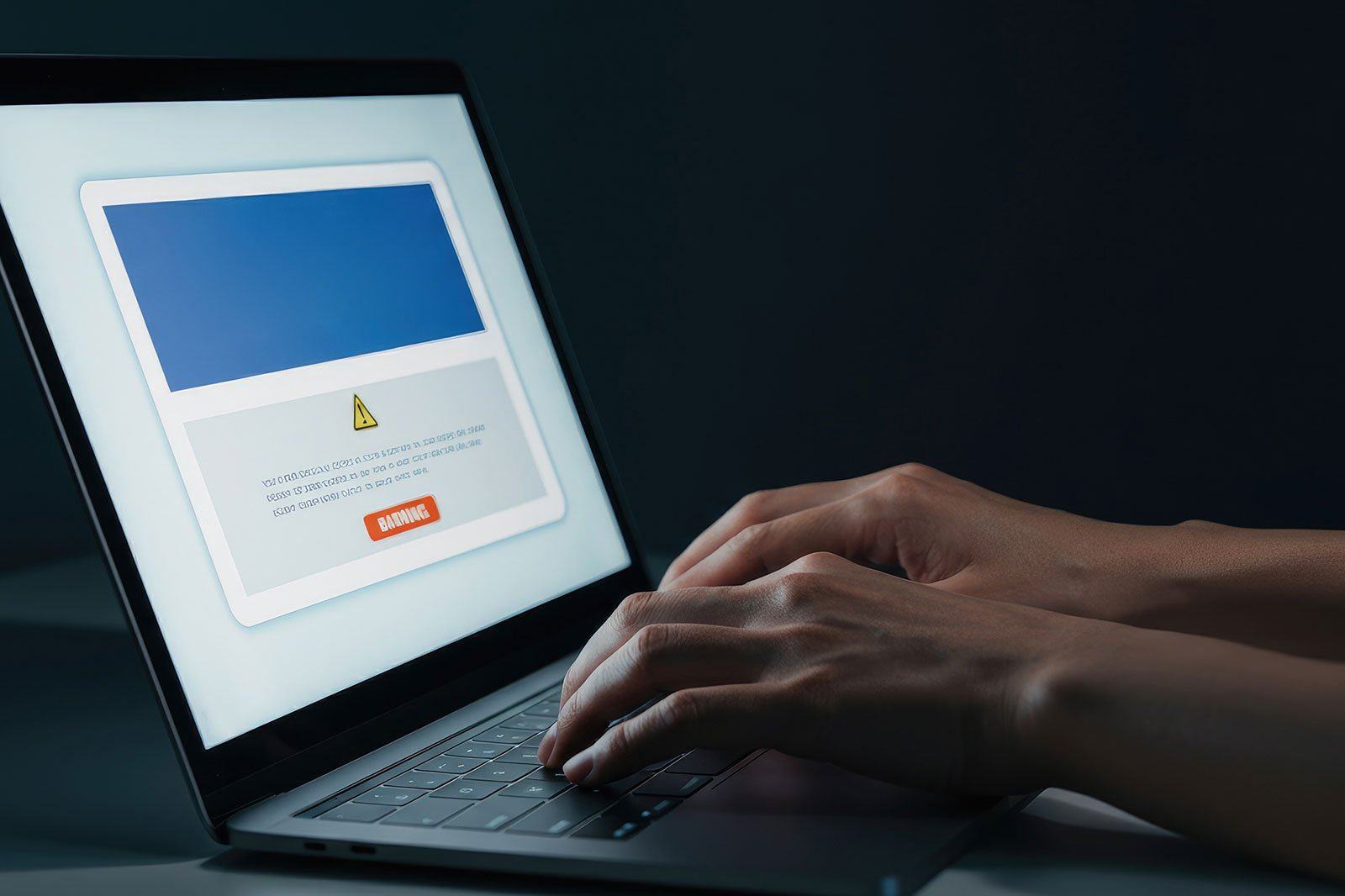
Have you ever been sitting at your computer and suddenly seen a pop-up alert claiming your device is infected with a virus? The message looks urgent. It says it is from Norton. It tells you to click a link or call a number right away. But something feels off.
You are not alone. Millions of people around the world see these kinds of alerts every single day. The good news is that once you understand what these fake Norton notifications are, where they come from, and how to handle them, you will feel much more confident and in control of your online safety.
This guide will walk you through everything you need to know in simple, clear language.
Fake Norton notifications are pop-up messages, browser alerts, or on-screen warnings that are designed to look like they are coming from Norton security software. They are not real. They are created by scammers who want to trick you into clicking a link, downloading something harmful, or calling a fake support number.
These fake alerts often look very convincing. They may use the Norton logo, use red warning colors, and display messages that say things like your computer is at risk or your subscription has expired. The goal is to make you feel scared or rushed so that you act quickly without thinking.
This type of scam is sometimes called scareware because it uses fear to control your behavior.
There are a few common reasons why you might be seeing fake Norton notifications on your screen.
Some websites are built specifically to trigger fake security alerts when you land on them. These sites may look like normal news pages, free streaming sites, or download portals. The moment you arrive on the page, a pop-up appears warning you about a virus. This is not a real warning. It is a trick built into the website itself.
Adware is a type of unwanted software that can get installed on your computer without you realizing it. It often comes bundled with free software downloads. Once installed, adware can push fake alerts and pop-ups to your screen regularly. These pop-ups are often designed to look like they are from trusted security brands like Norton.
Sometimes a browser extension that you installed for one purpose starts behaving badly. Some extensions are designed to show you fake security warnings as a way to earn money through clicks or to collect your personal information.
If you clicked on a link in an email, a text message, or a social media post that looked trustworthy, that link may have taken you to a page that is now showing fake alerts. Phishing links are built to look real but they lead to harmful pages.
If you ever visited a website and clicked Allow when it asked to send you notifications, that website can now send pop-ups directly to your screen even when you are not browsing. Some scam websites use this feature to send you fake security warnings that look like Norton alerts.
Knowing the difference between a real alert and a fake one can save you a lot of trouble. Here are the most important things to look for.
A real Norton alert comes from the Norton application installed on your computer. It appears as a small notification or inside the Norton app window. If the alert is coming from your web browser, it is almost certainly not a real Norton alert. Norton does not send security warnings through your internet browser.
Fake alerts often use very dramatic and urgent language. They may say things like your computer has been infected with 5 viruses or your data is being stolen right now. Real security software uses calm, clear language and gives you time to review the situation. If the message is trying to rush or frighten you, that is a strong sign it is not real.
Scammers often produce messages with small spelling errors, awkward sentences, or strange formatting. A trusted security company puts care into the language of every message it sends. If something about the writing feels off, trust your instincts.
Many fake Norton alerts include a phone number and tell you to call immediately for support. This is one of the biggest warning signs. Real security software does not include pop-up phone numbers urging you to call right away. If you call that number, you may be connected to a scammer who will try to convince you to pay for fake services or give them remote access to your computer.
If an alert asks you to click a link to scan your computer, renew your subscription, or remove a virus, do not click it. Instead, close your browser, open a new window, and go directly to the real Norton website by typing the address yourself.
Here is a simple step-by-step approach to handling fake Norton notifications safely and calmly.
Do not click any buttons inside the pop-up, including buttons that say Close or Cancel. Sometimes even those buttons can trigger something harmful. Instead, close the entire browser tab or window using the X at the top of your screen.
Take a breath. Seeing a scary message on your screen can feel alarming, but remember that the goal of the fake alert is exactly that. It wants you to feel panicked so you act without thinking. In most cases, just closing the alert is all you need to do.
Open the real Norton application on your device, if you have it installed. Run a full system scan to check whether there is anything actually wrong with your device. If you do not have security software installed, you can look into downloading one from a trusted and well-known source.
Go into your browser settings and look at which websites have permission to send you notifications. Remove any websites that you do not recognize or that you did not intentionally give permission to. This step can stop a lot of unwanted pop-ups immediately.
Open your browser and look at your list of installed extensions. If you see any that you do not remember installing or that seem unrelated to anything you use, remove them. This is a quick and effective way to stop adware-driven fake alerts.
Use a reputable adware removal tool to check your device for any unwanted software. There are several free tools available that can scan your system and remove adware safely.
Make sure your operating system, browser, and security software are all kept up to date. Updates often include important security fixes that protect you from the latest threats.
Prevention is always better than dealing with a problem after the fact. Here are some helpful habits that will keep you safer online.
Be careful about what you click. Whether it is an email link, a social media post, or a pop-up on a website, take a moment before clicking anything. Ask yourself whether you were expecting this message and whether it makes sense.
Only download software from sources you trust. When you install new programs, pay attention during the installation process. Some programs include extra software that you did not ask for. Look for checkboxes that might be pre-selected and uncheck them if they are offering to install something extra.
Use a browser that has built-in protection against deceptive sites. Many modern browsers will warn you before you visit a website that has been reported as harmful.
Turn off notifications for websites you do not fully trust. When a website asks to send you notifications, think carefully before clicking Allow. If you are not sure, click Block. You can always change this later if needed.
Educate yourself and the people around you. Scams like fake antivirus alerts work because they catch people off guard. The more you know about how these tricks work, the harder it is for them to fool you.
Dealing with fake Norton notifications or any kind of online scam can feel frustrating, but you have more power than you might think. By staying informed, staying calm, and knowing what steps to take, you can protect yourself and your devices with confidence.
The internet is full of wonderful tools and opportunities. A few bad actors should not take that away from you. With the right knowledge and a few smart habits, you can browse safely and enjoy everything the digital world has to offer without fear.
If you ever feel unsure about something you see on your screen, take a pause, do a little research, and reach out to a knowledgeable friend or a trusted support resource. You do not have to face these challenges alone.
Stay informed, stay safe, and keep moving forward.
Disclaimer: All brand names, logos, trademarks, product names, designs, and colors displayed on this website are the exclusive property of their respective owners and are referenced solely for identification and informational purposes; Brightlynx Digital makes no claim of ownership or legal rights over any third-party intellectual assets. As an independent online retailer, Brightlynx Digital operates with a steadfast commitment to transparency, honesty, and ethical business conduct, and every product listed is directly backed by its corresponding brand. Furthermore, Brightlynx Digital maintains full compliance with all Federal Trade Commission (FTC) regulations, including strict adherence to the FTC's Mail, Internet, or Telephone Order Merchandise Rule, to ensure every customer enjoys a safe and protected shopping experience.
Protection in just a few clicks.
Antivirus delivered instantly online.
24/7 online assistance for customers.
Secure checkout every time.